
We have to authenticate Entra ID guest accounts to Wallix Access Manager for a customer.
This feature “Wallix SAML Access Manager” is very interesting for customers, allowing external users (suppliers, consultants,..) to authenticate to the customer PAM (Privilege Access Manager) environment, using their own email, their own identity, password and MFA.
The usage of MFA can be enforced by implementing conditional access.
Main benefits of Wallix SAML Access Manager
- No “lost password” to manage for external users
- No “MFA” or lost token (replaced mobile phone with TOTP,..) to manage for external users
- Easy provisionning (via users in Entra ID – with automation capabilities)
- No “join/leaver” to manage, if the user is leaving his own organization (e.g. new job), their Office 365 will be revoked and they can’t connect to your environment anymore
As the authentication has already been configured in Access Manager and Bastion with SAML, we just the following steeps
- Create a new group in Entra ID
- Copy the Entra ID group id and add this group into the Entra ID “registered application” (SSO)
- Create a new Users group inside of PAM Wallix Bastion, copy the Entra ID group. Chose the appropriate profile (usually “user”)
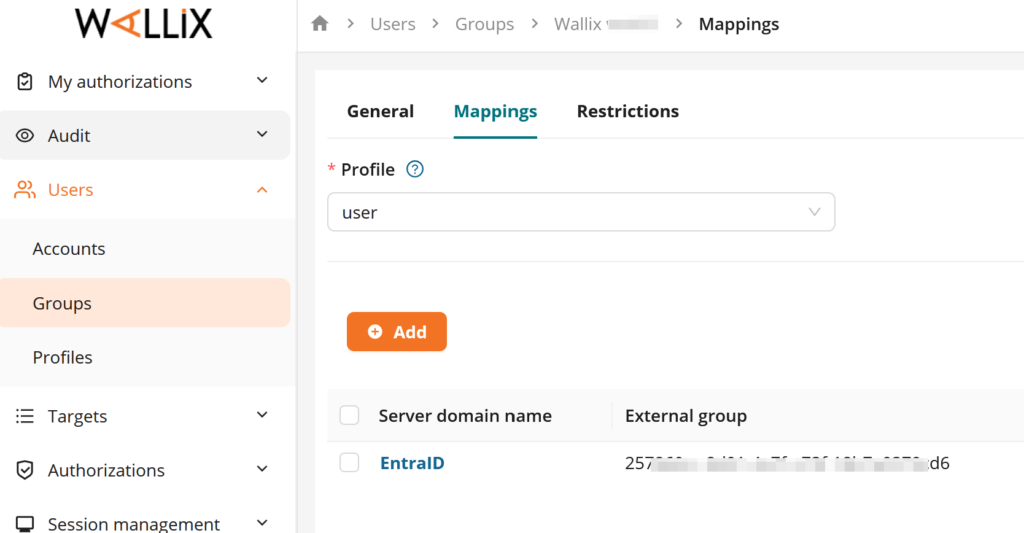
- Create a new authorization in Wallix Bastion (as usual to map user groups with target groups)
- Create a new profile within Access Manager (the name of the profile is the Entra ID group id and choose also “User”)
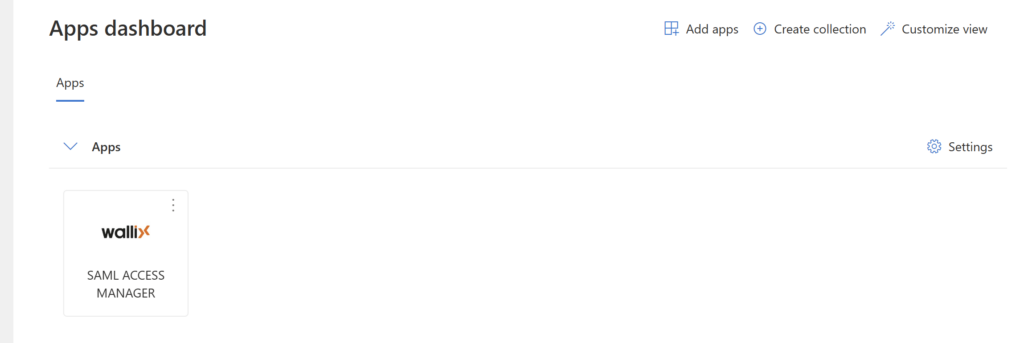
We can see the Wallix Access Manager icon on the portal https://myapplications.microsoft.com/:
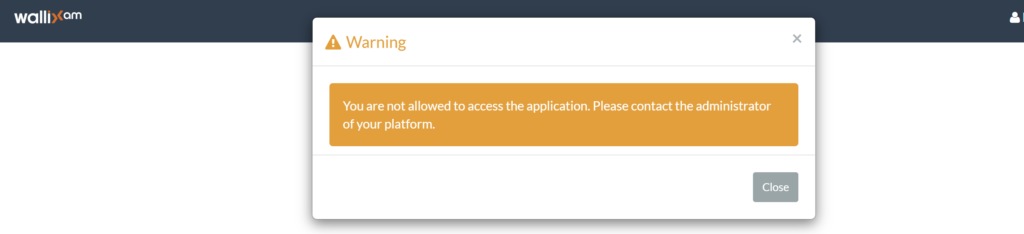
We are facing an error message after authentication on the Wallix Access Manager “You are not allowed to access the application. Please contact the administrator of your platform.”:
There is a reconfiguration of the Attributed & claim in the SAML profile of the Access Manager (not the bastion).
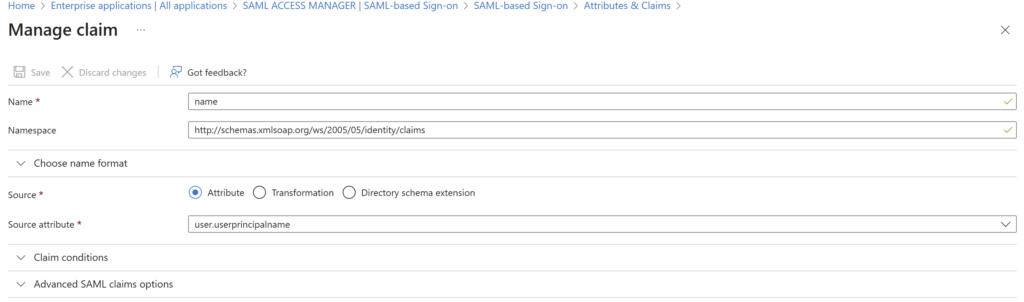
Change the "Source attribute" from user.userprincipalname to userlocal.principalname
Save
Now the Access Manager will claim your name with your guest assigned Id value.
The external consultant goes to: https:// ACCESS_MANAGER_URL /wabam/ORGANIZATION ?domain=DOMAIN
He is redirected to Microsoft login portal:
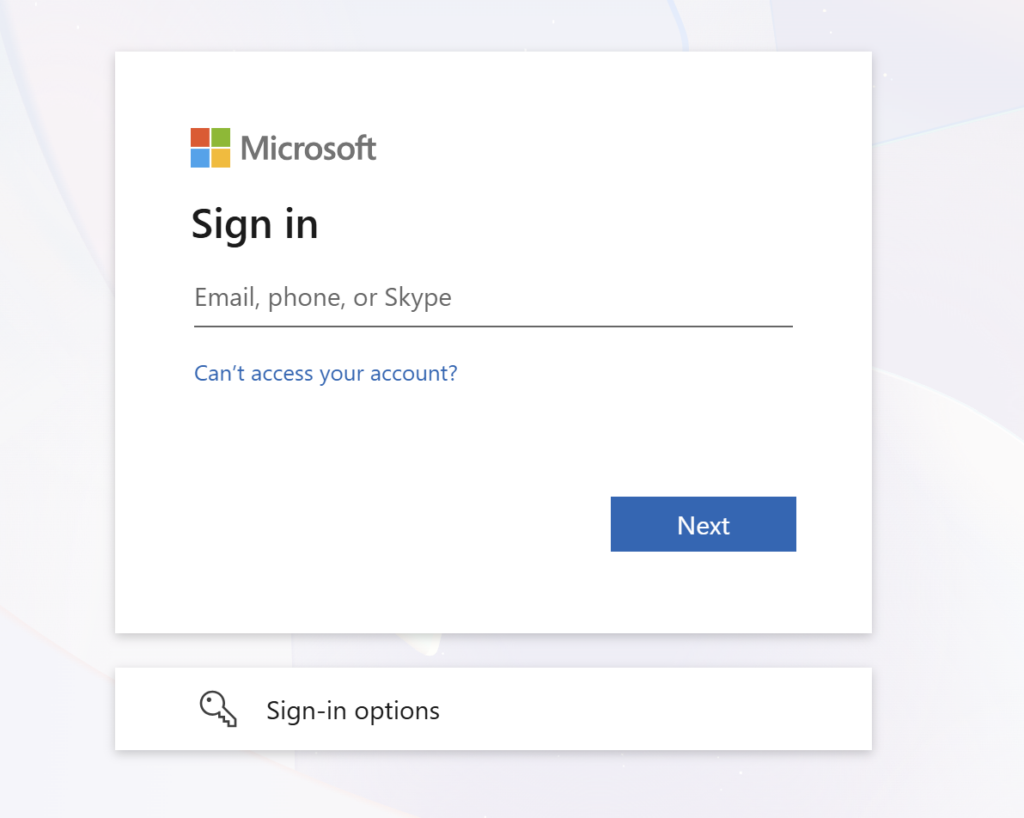
In my case, passkey is configured, so the user is authenticated based on biometric (fingerprint) or via the camera from Windows Hello.
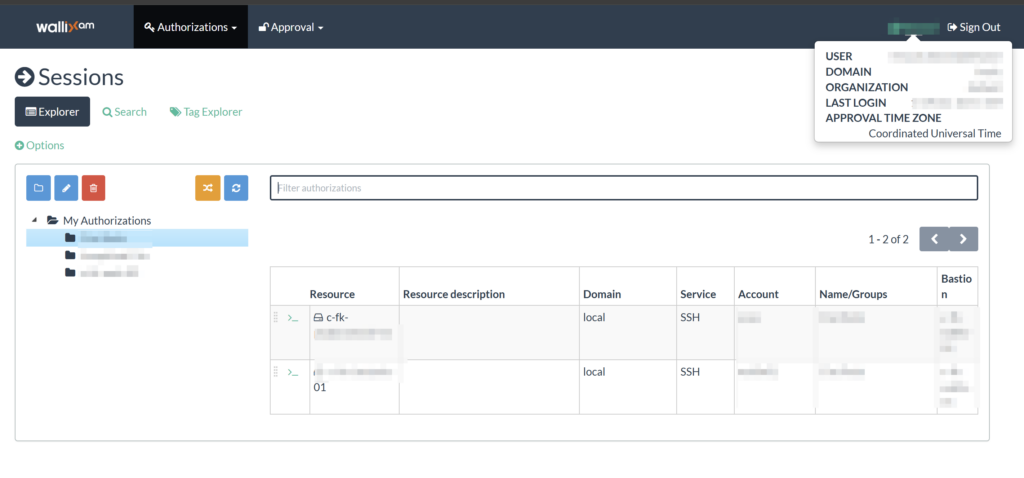
The Guest is now loggued in (authenticating with his own email, own password and own MFA).
By looking at the parameters on the top right menu:
User: email address of the guest
Domain: our domain configured in Wallix
Organization: our organization configured in Wallix